
Project

Gallery

Screenshots and video tour of Hyprism shell surfaces, widgets, and appearance.

Current source

Captured from the latest source in the nested development session, with the Ember wallpaper and the Gruvbox palette.
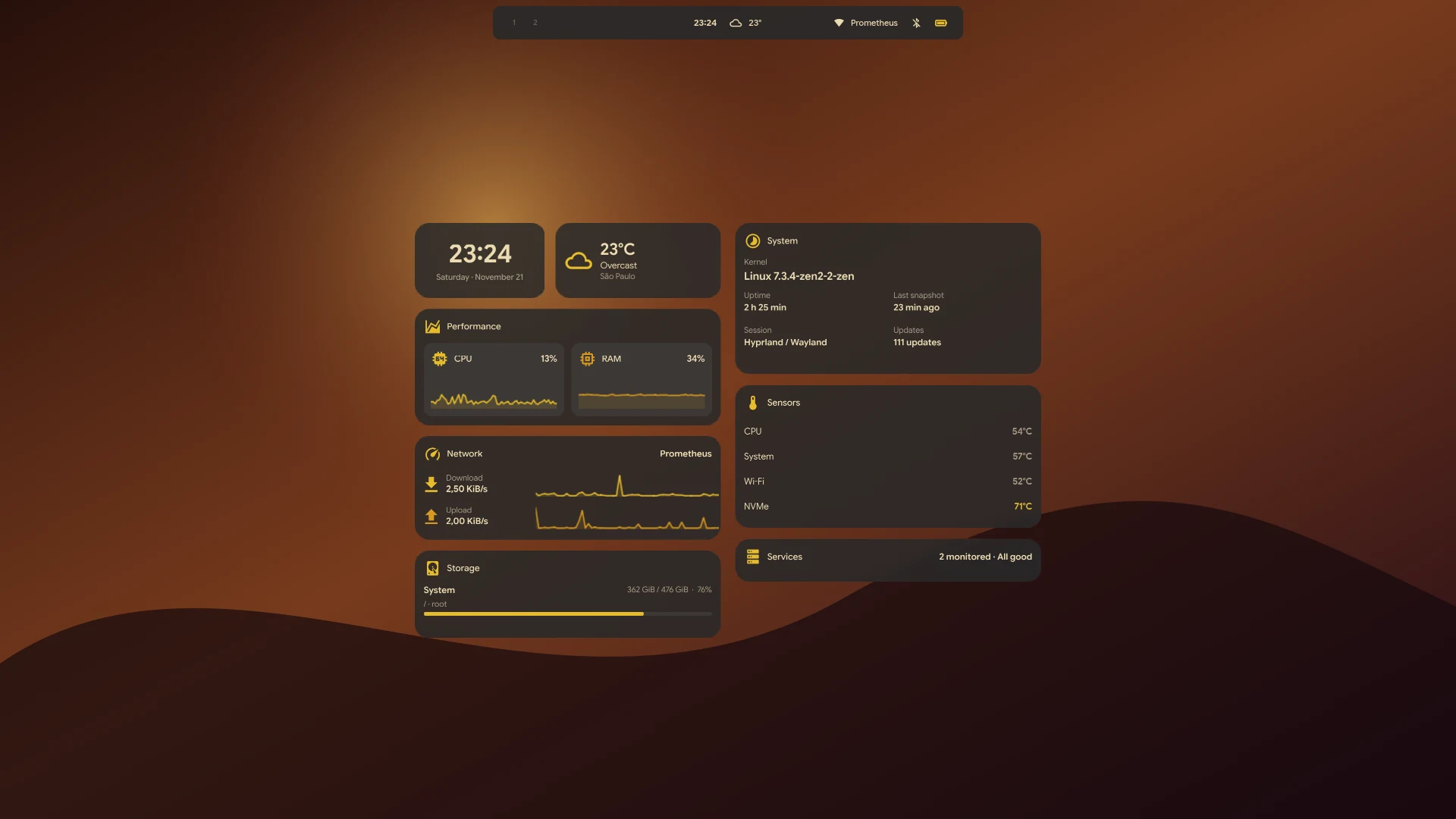
Hyprism desktop with the compact bar and desktop widgets, Gruvbox palette

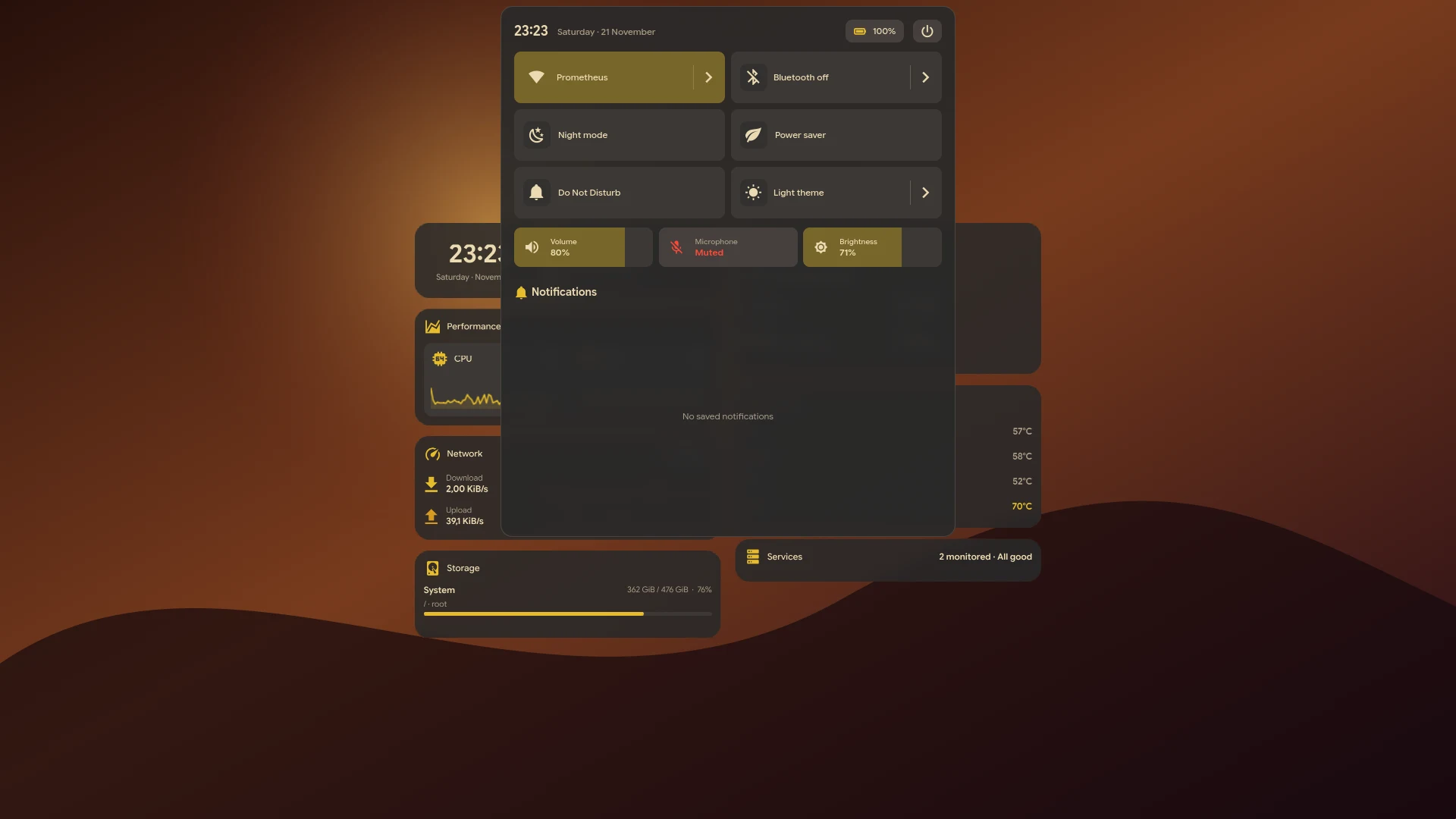
Hyprism Hub with quick controls and notifications

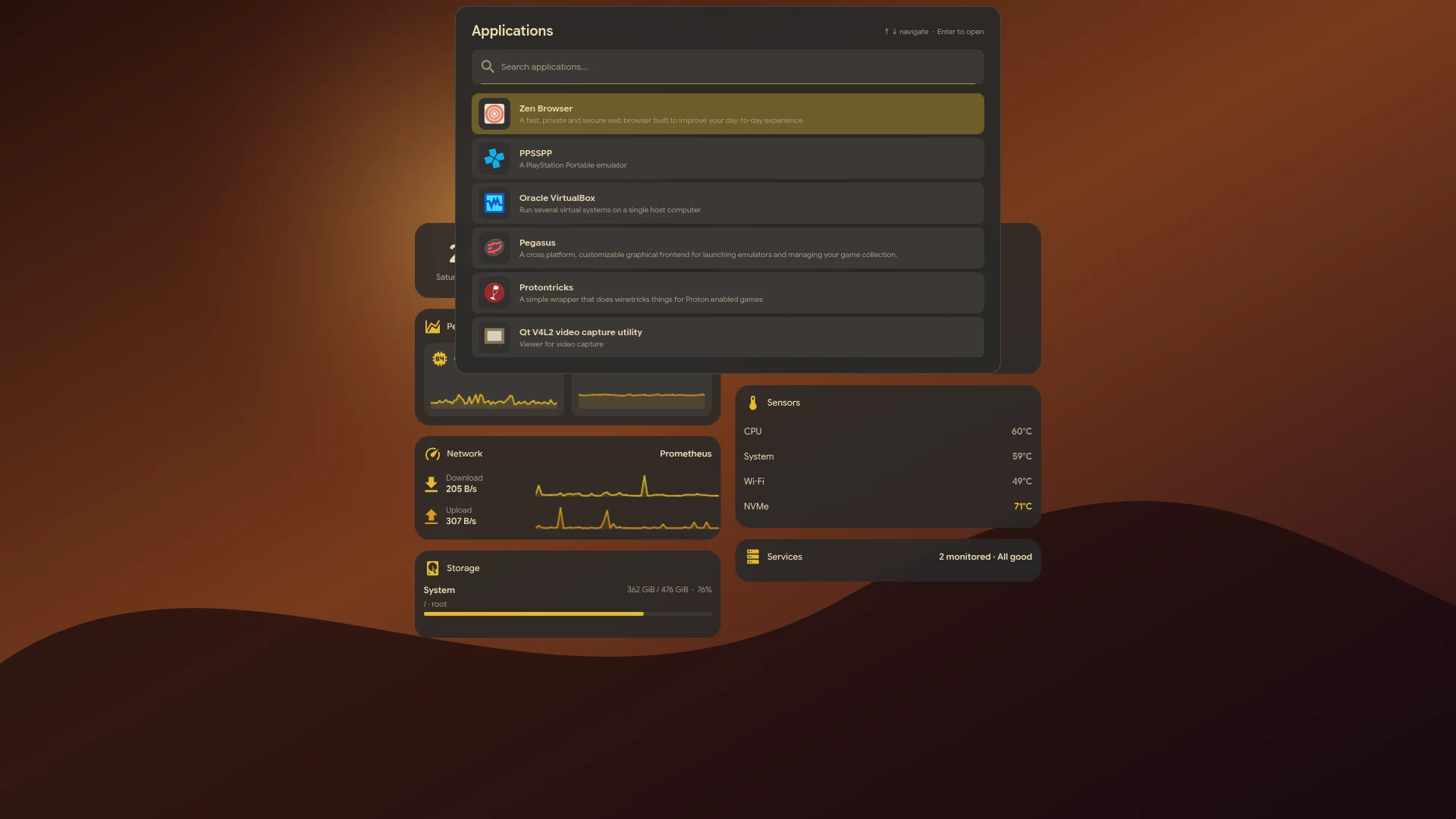
Hyprism App Launcher

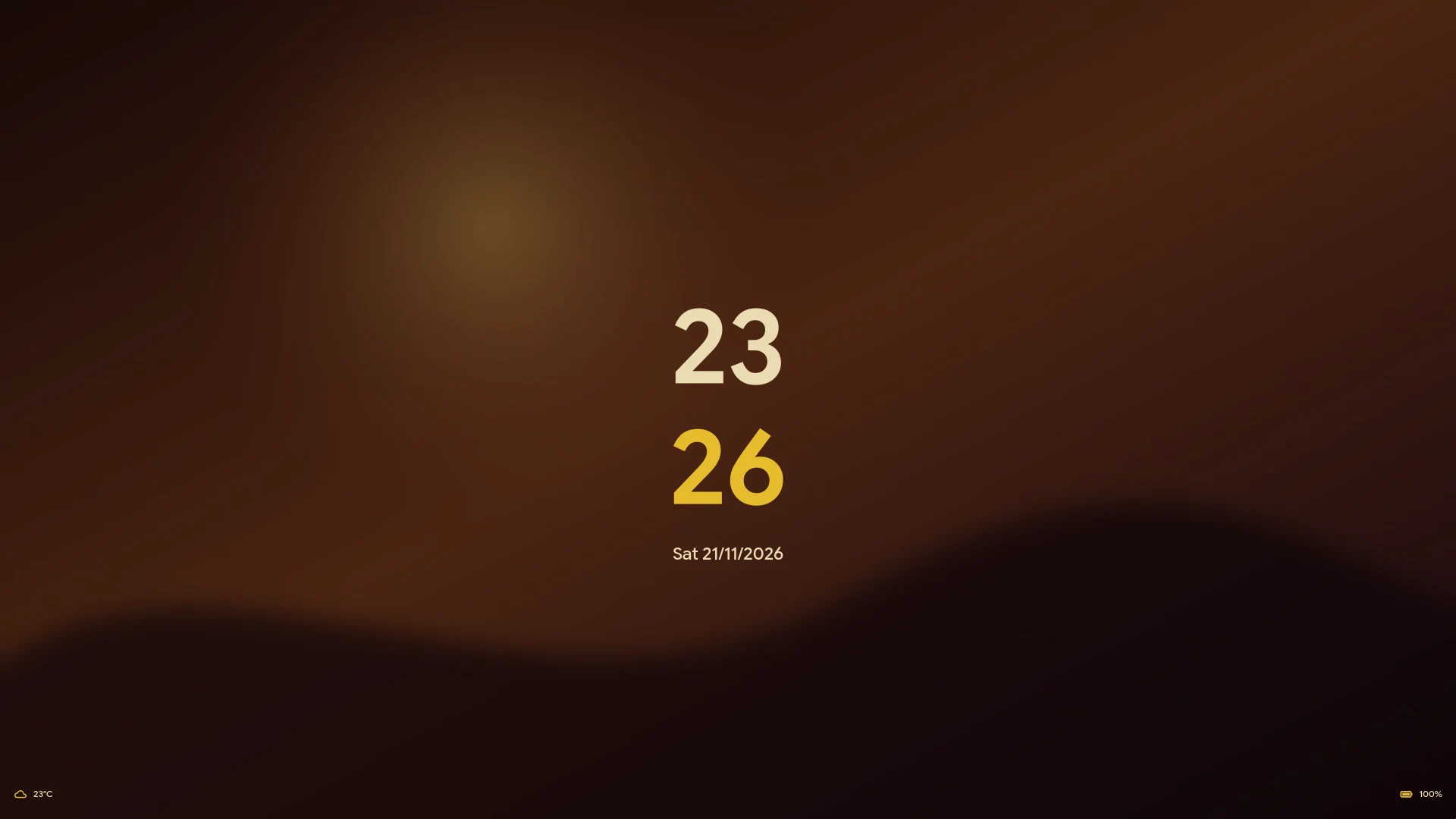
Hyprism lock screen with clock, date, weather, and battery

Earlier releases

The images below show dark and light appearance from an earlier release.

Gallery

Dark and light comparisons of the same interface with wallpaper-derived colors.

Dark and light Hyprism desktop with the compact island
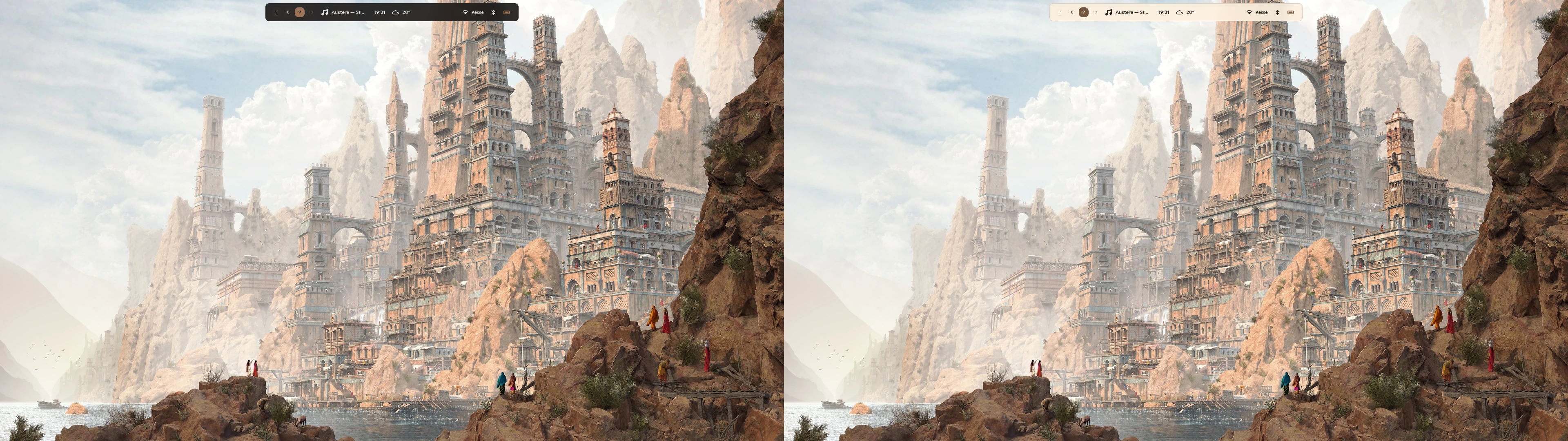
Dark and light Hyprism desktop with the compact island

Dark and light expanded Hyprism island
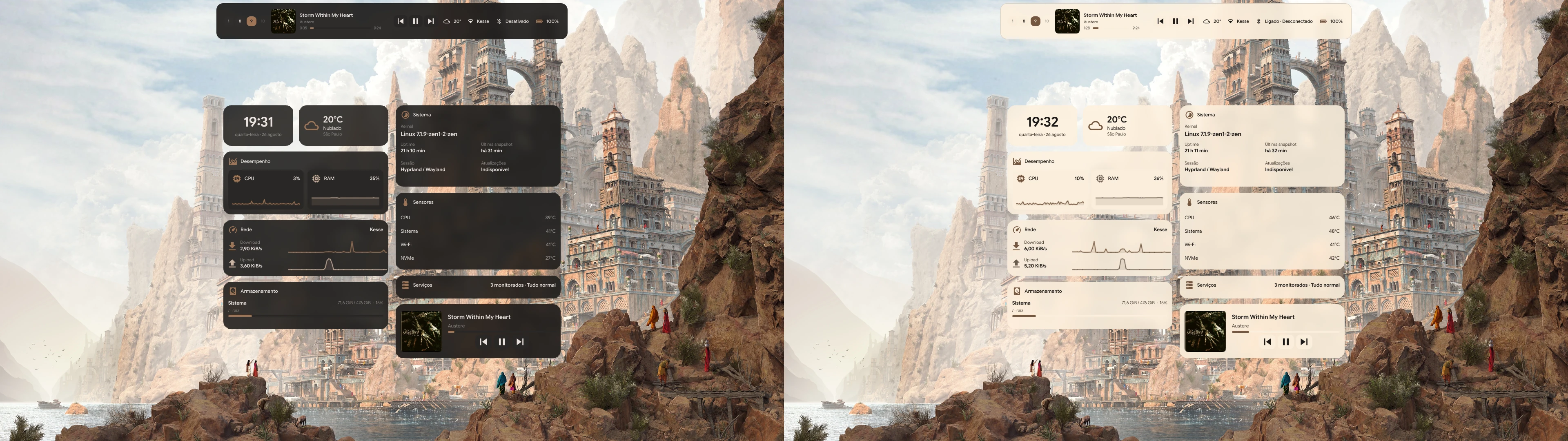
Dark and light expanded Hyprism island

Dark and light desktop widget dashboard
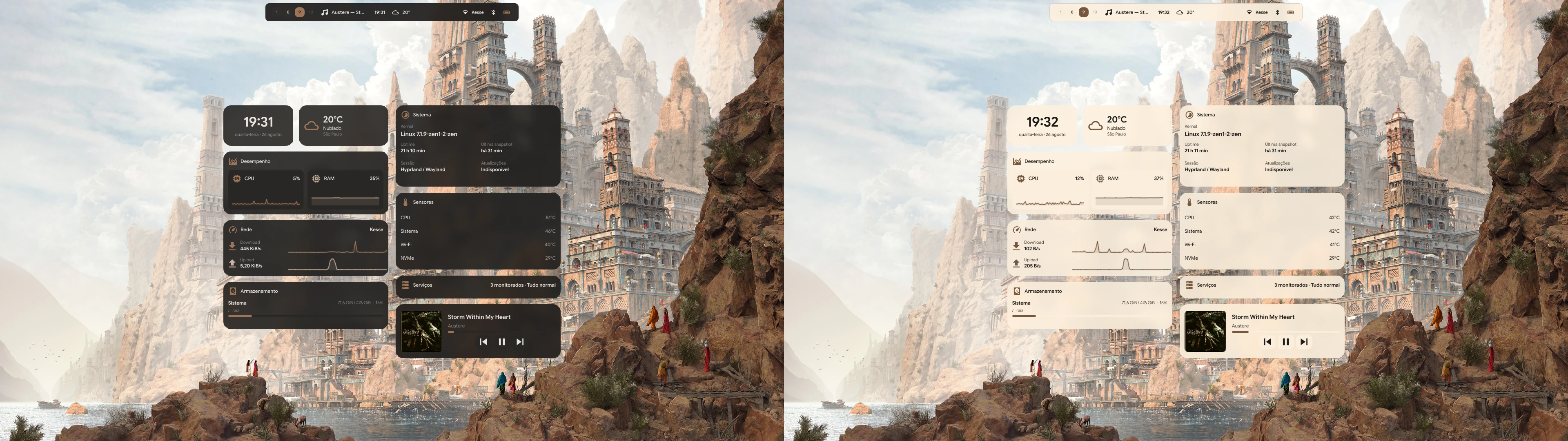
Dark and light desktop widget dashboard

Dark and light App Launcher
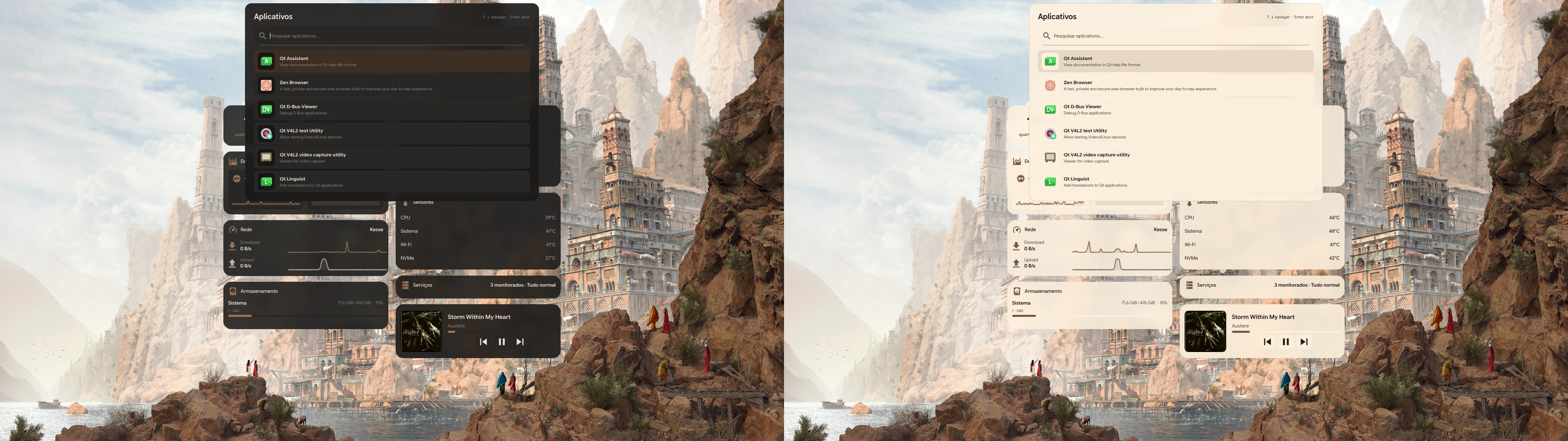
Dark and light App Launcher

Dark and light Hyprism Hub
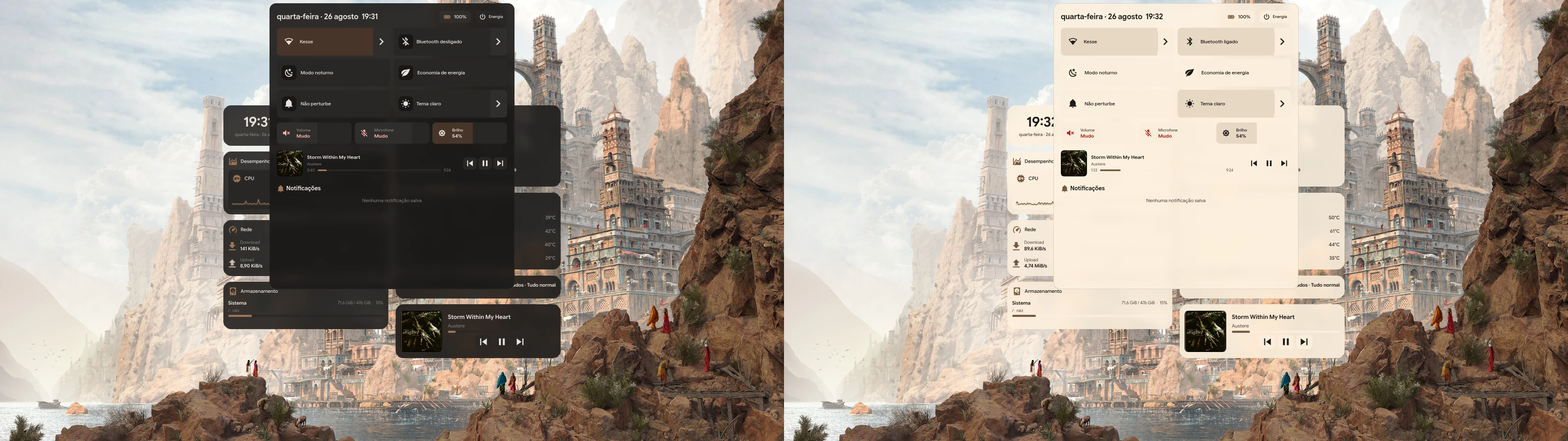
Dark and light Hyprism Hub

Dark and light notification history
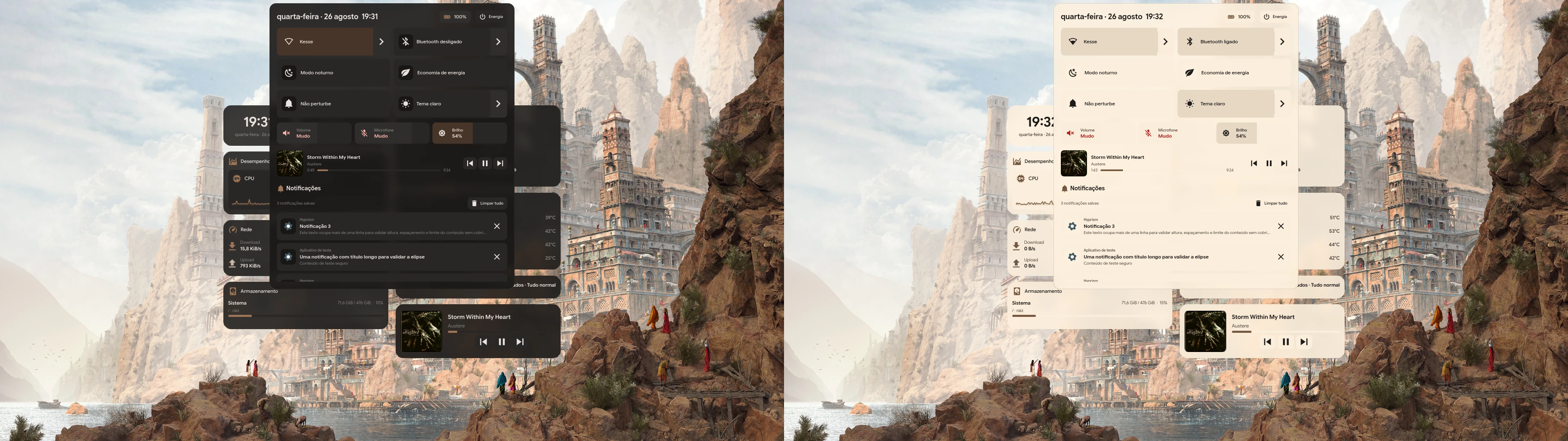
Dark and light notification history

Dark and light NetworkManager panel
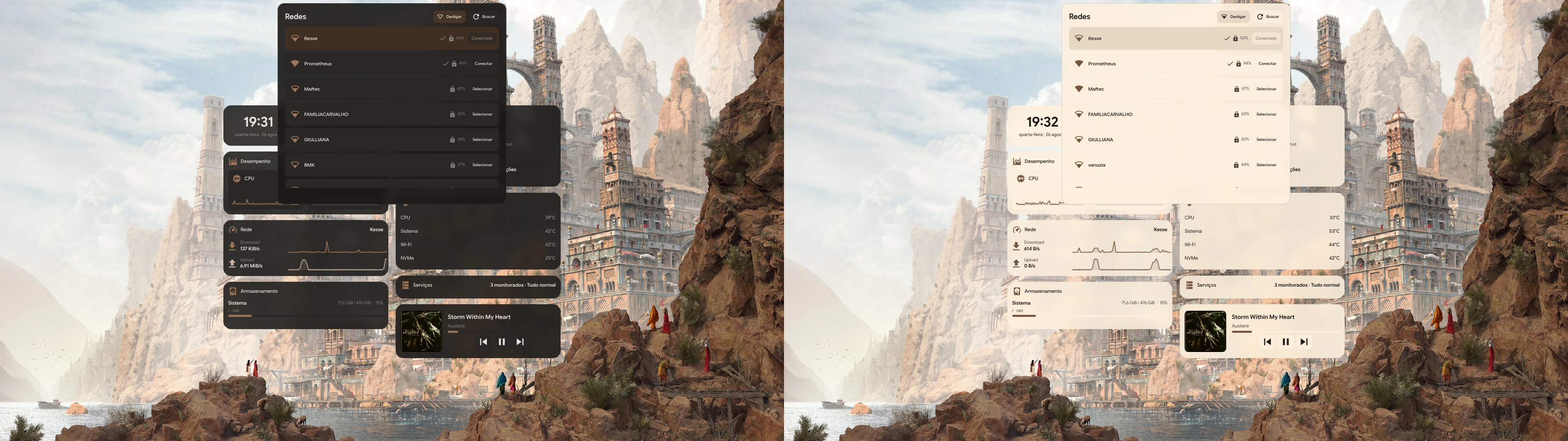
Dark and light NetworkManager panel

Dark and light Bluetooth panel
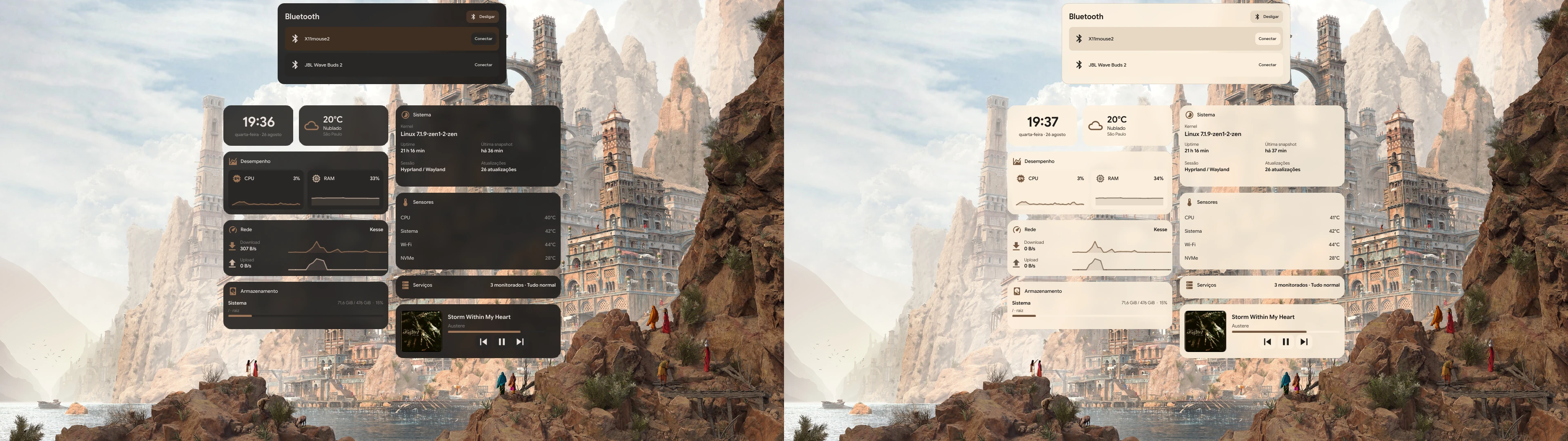
Dark and light Bluetooth panel

Dark and light Clipboard panel
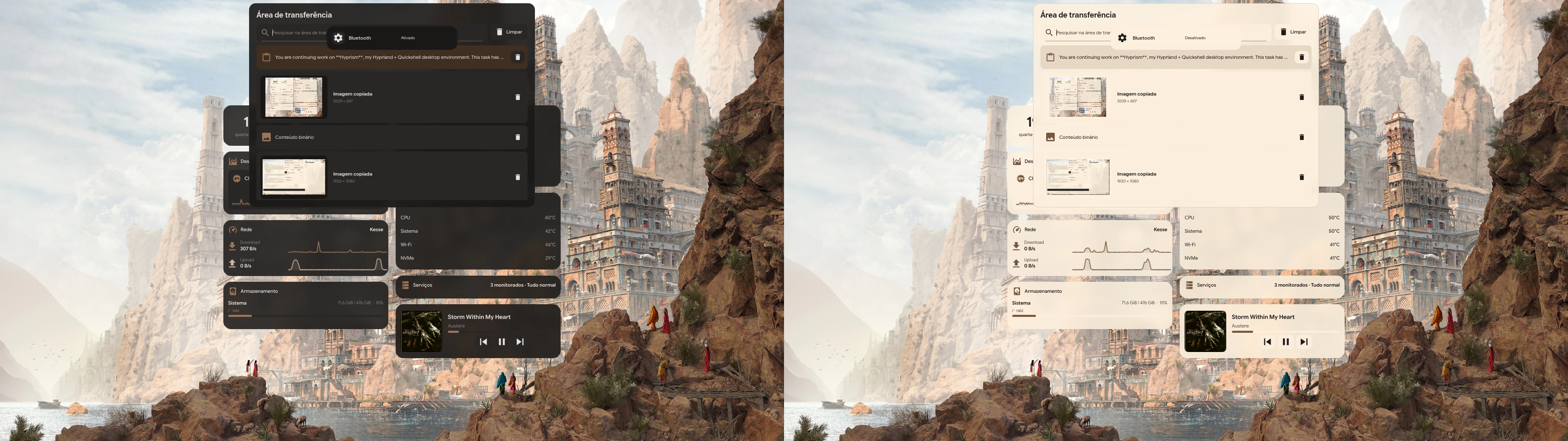
Dark and light Clipboard panel

Dark and light Emoji Picker
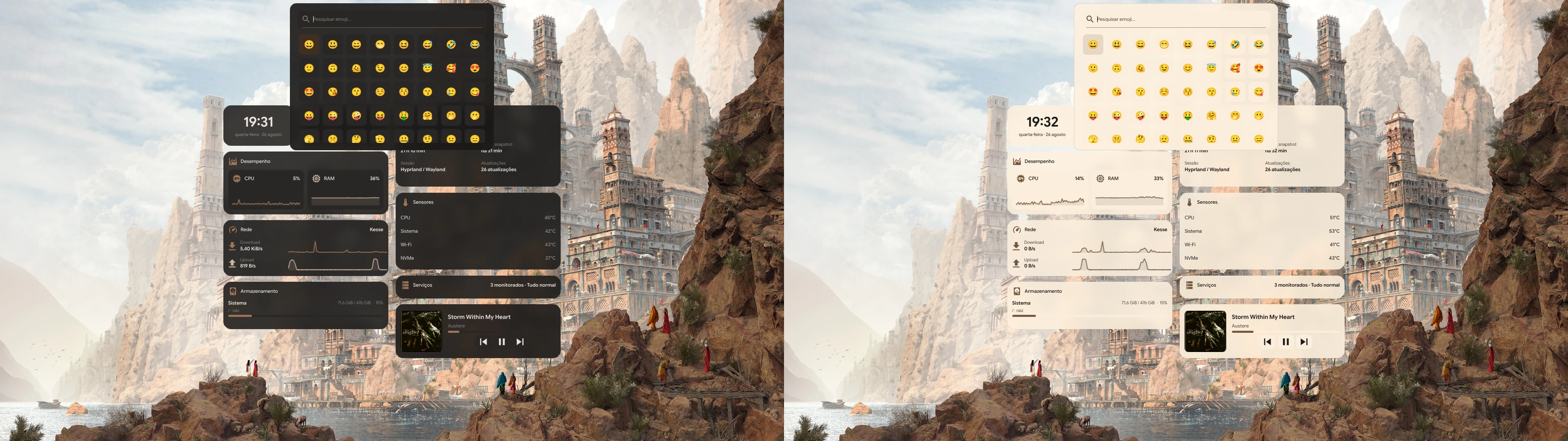
Dark and light Emoji Picker

Dark and light Power Menu
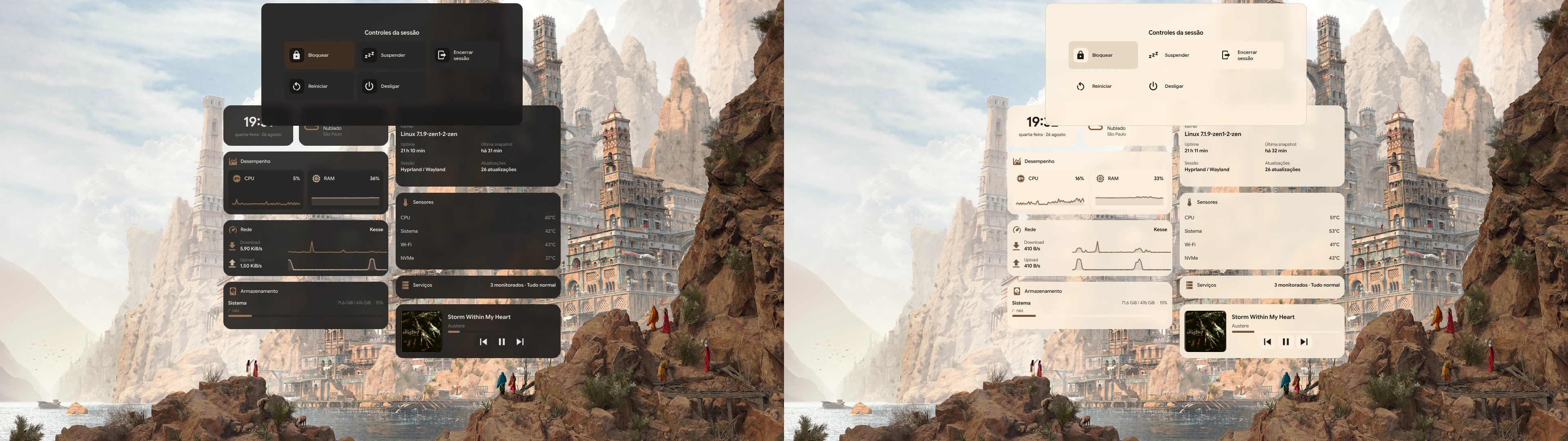
Dark and light Power Menu

Dark and light screen recording selector
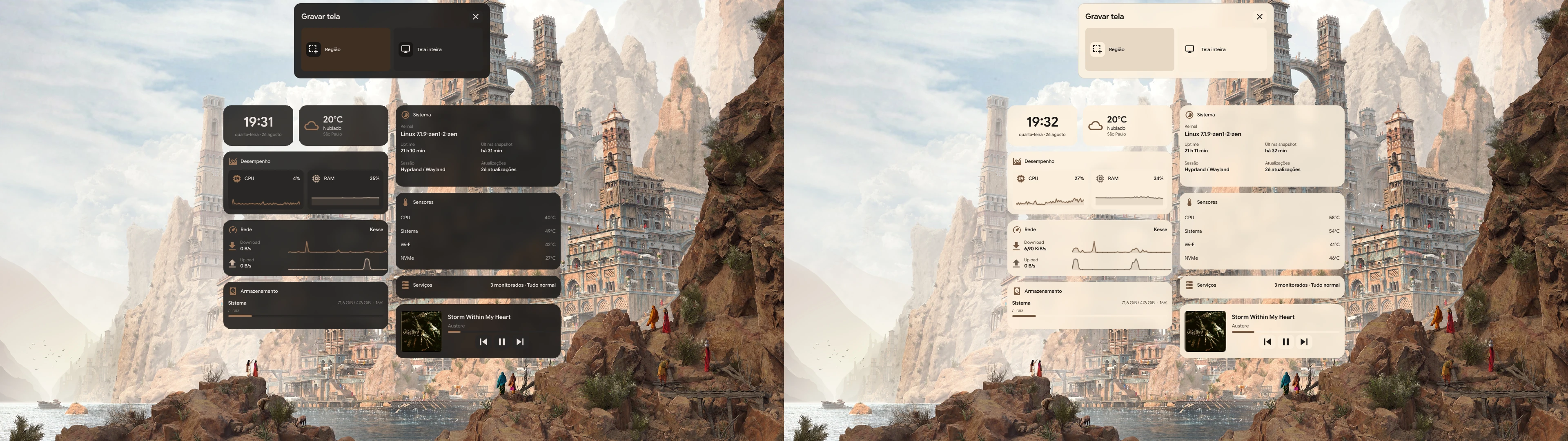
Dark and light screen recording selector

Dark and light Wallpaper Picker
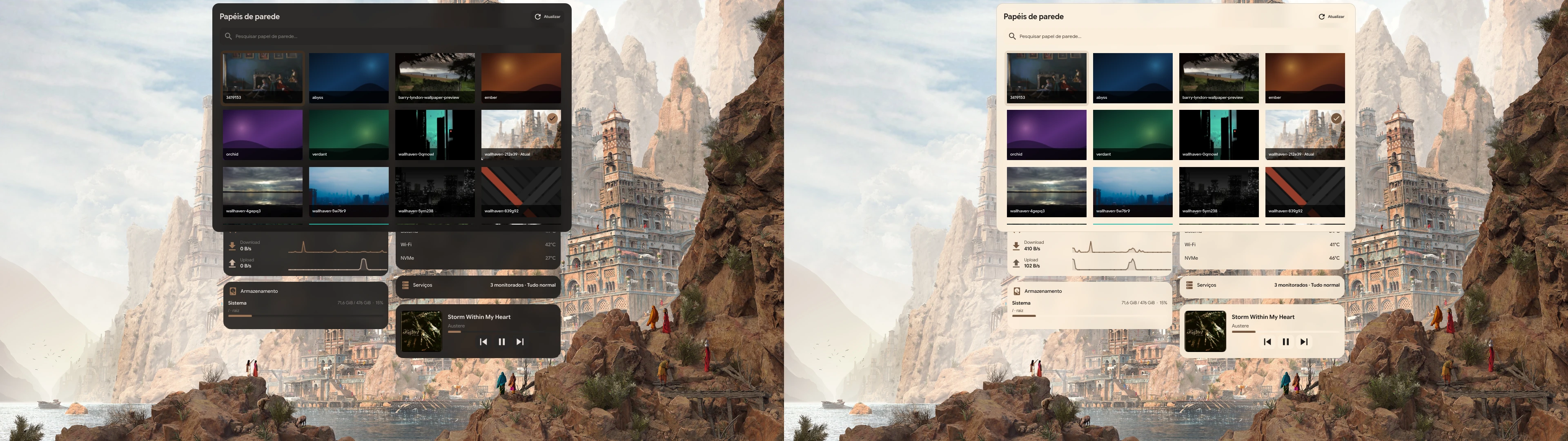
Dark and light Wallpaper Picker

Dark and light theme scheduling and temperature options
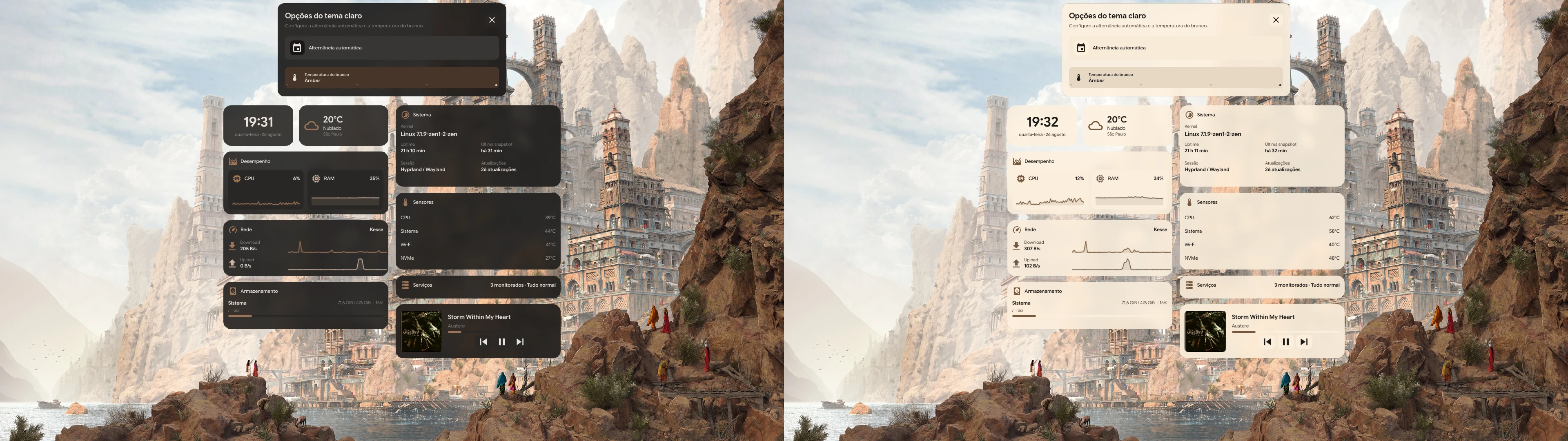
Dark and light theme scheduling and temperature options

Feature tour

Animated tour

Search across all Hyprism guides.