

Hyprism
A cohesive, wallpaper-driven desktop built around the Hyprland ecosystem.
- Shell
- Quickshell
- Compositor
- Hyprland
- Platform
- Arch Linux
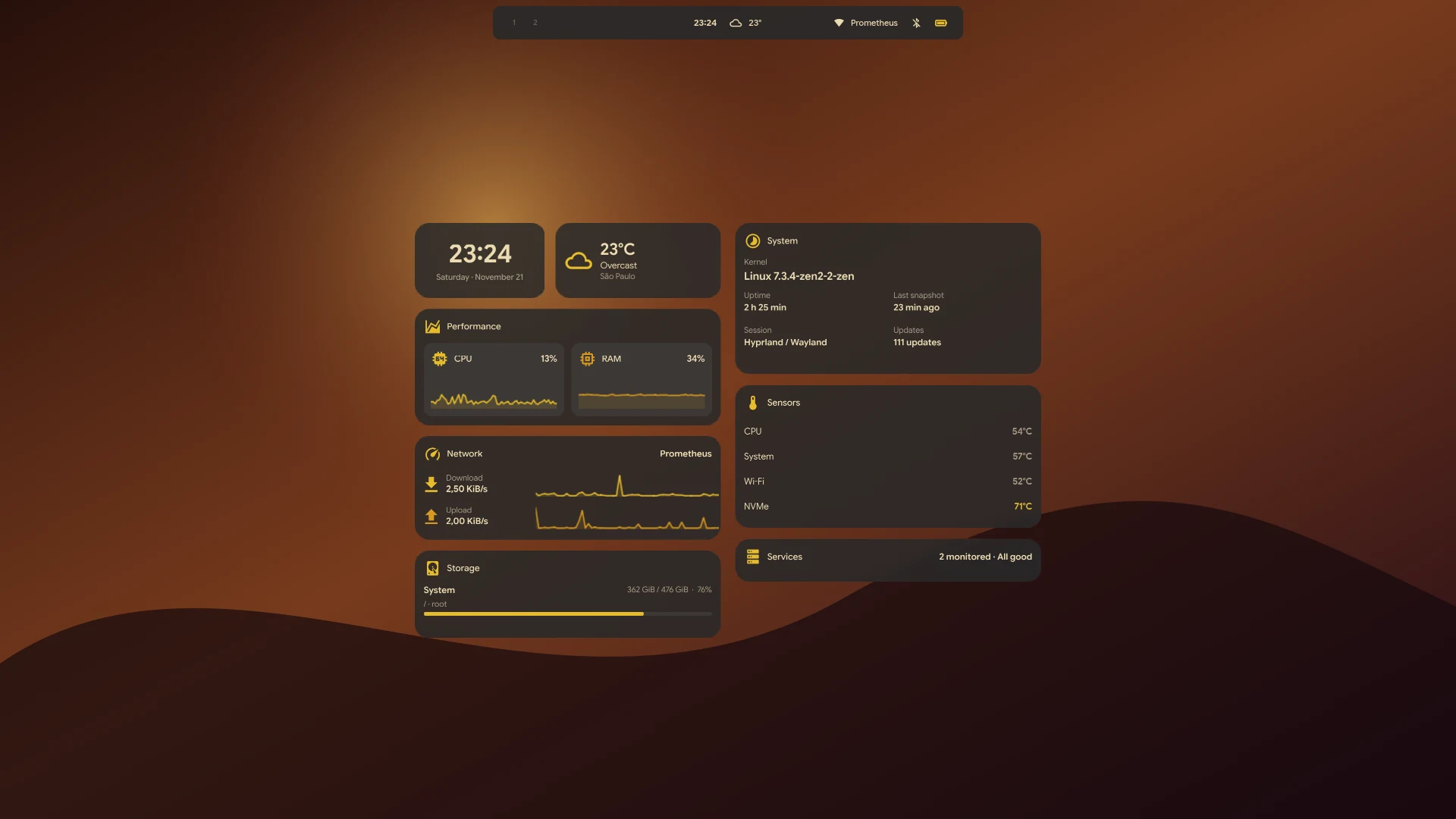
01 / The desktop
A session with
working parts.
Each surface has a clear job, from a compact status bar to a dedicated native session lock.
01Shell and controlsA compact island expands into workspaces, window context, Hub controls, launcher, notifications, and media.02Desktop widgetsEleven optional cards cover time, weather, performance, network, storage, services, tasks, and media.03Appearance and colorMatugen derives a palette from your wallpaper; named presets, light temperature, and optional scheduling are available.04Native session lockA Wayland session lock waits for compositor-confirmed coverage and uses PAM authentication.05Configuration and CLIManage themes, widgets, language, keyboard preferences, and common shell actions with hyprism-shell.
02 / At a glance
Useful information,
kept close.
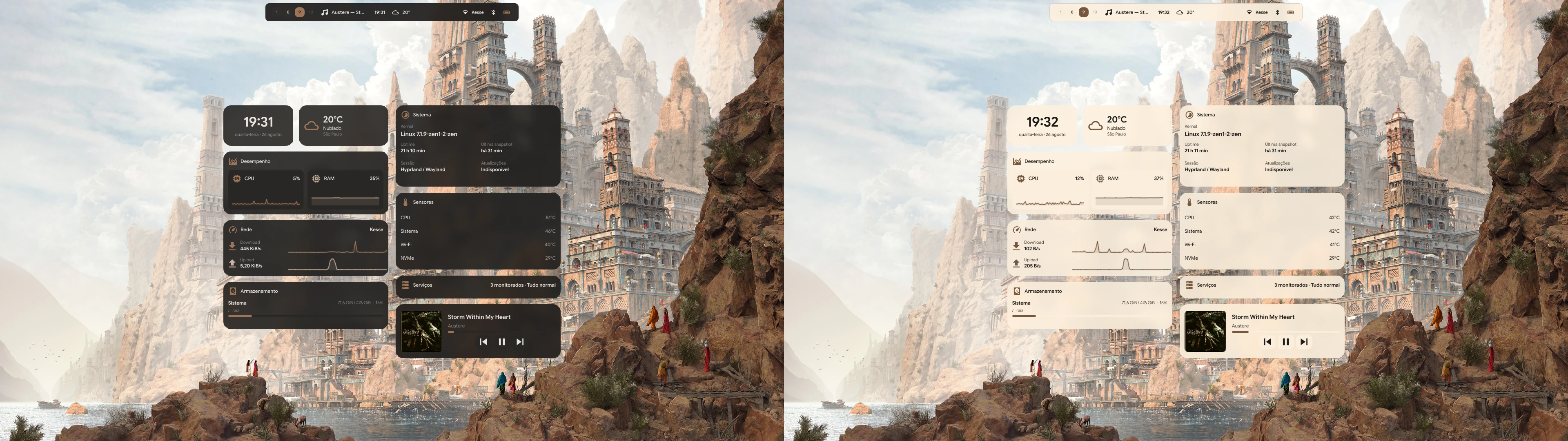
Place the clock, weather, media, and system cards on the desktop. Toggle each one independently, or use the CLI to manage the complete widget set.
Explore the widget catalog03 / Appearance
Color begins
with the wallpaper.
Wallpaper-derived semantic colors flow into Quickshell and supported desktop targets. Choose a fixed preset when you want the palette to stay put.
How theming works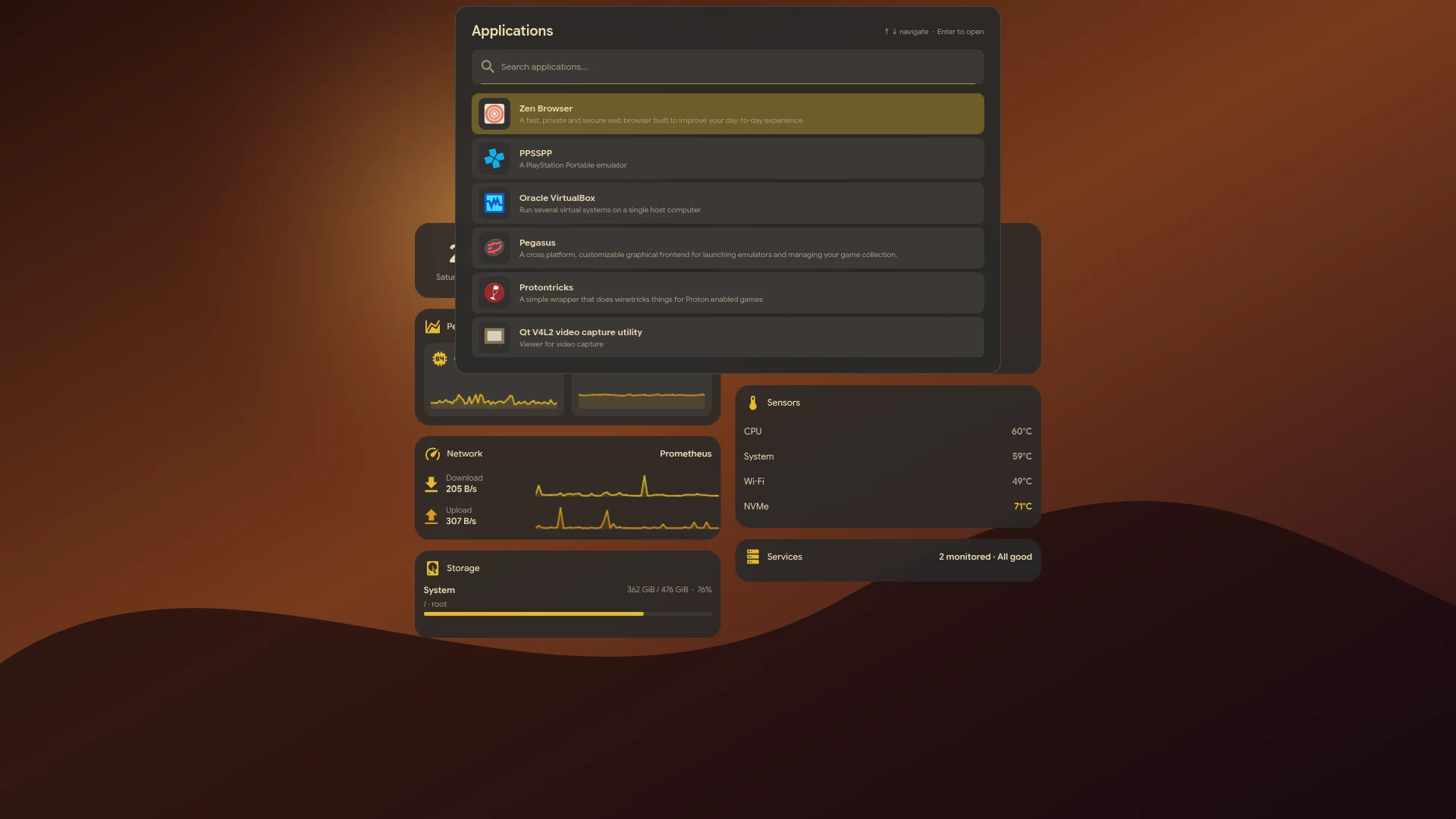
04 / In motion
The real desktop,
recorded.
A short walkthrough of the shell, panels, widgets, and appearance settings.
05 / Latest releases
What changed recently.
All 23 releases- Hyprism 0.1.22Adds a native Quickshell lock screen with a secure Wayland session lock and PAM authentication.
- Hyprism 0.1.21The compact bar no longer draws an outline; expanded panels keep theirs.
- Hyprism 0.1.20The bar, Hub and floating shell surfaces, GTK 3/4 applications, and Qt/Kvantum applications now use the same background color as the terminal, in every theme.
For your Hyprland session