

Interface / In use
Gallery
Screen captures from the current Hyprism interface, showing the shell, desktop widgets, and appearance settings.
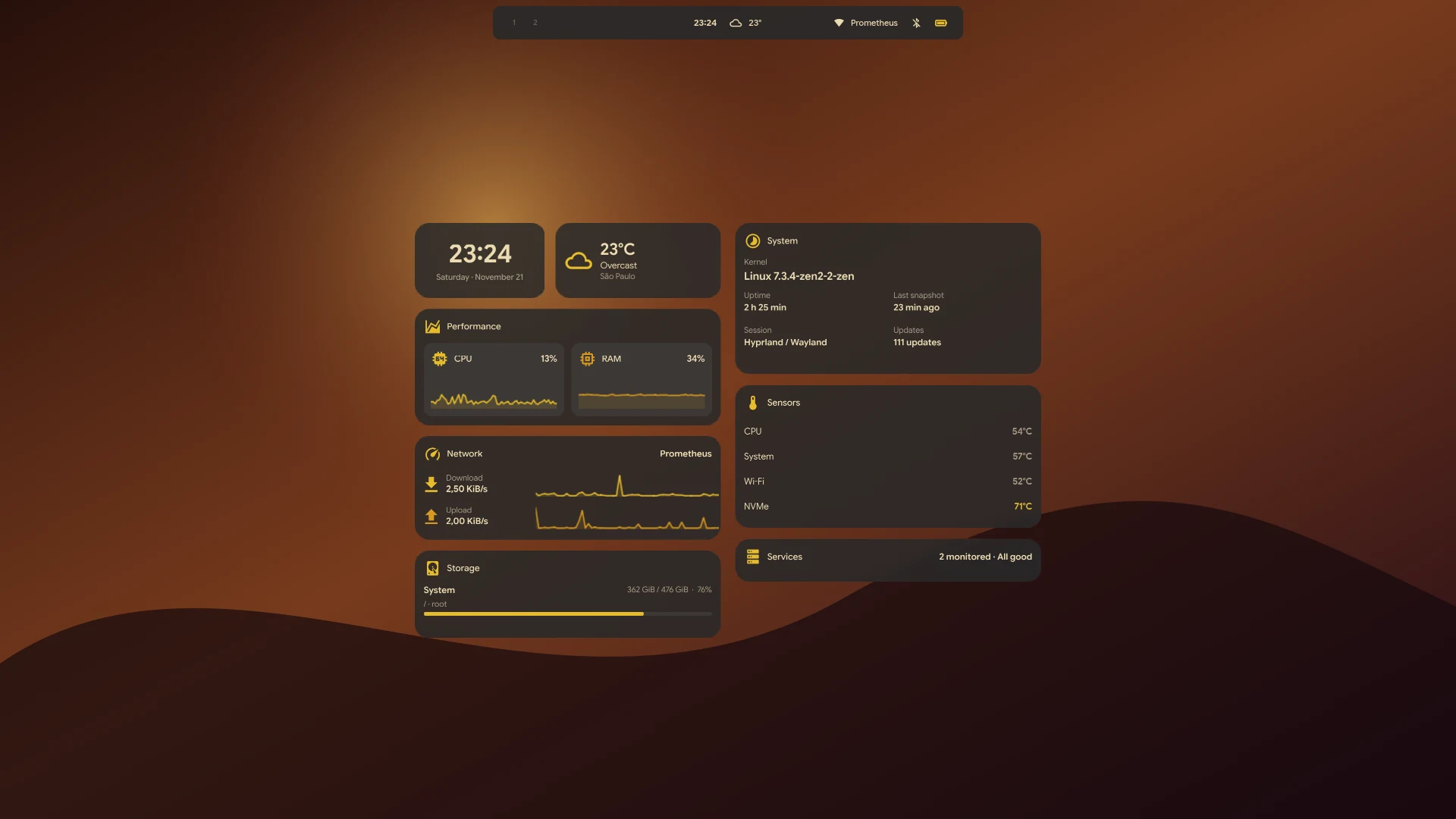
Clock, weather, performance, network, storage, system, sensors and services cards from the current source, Gruvbox palette.
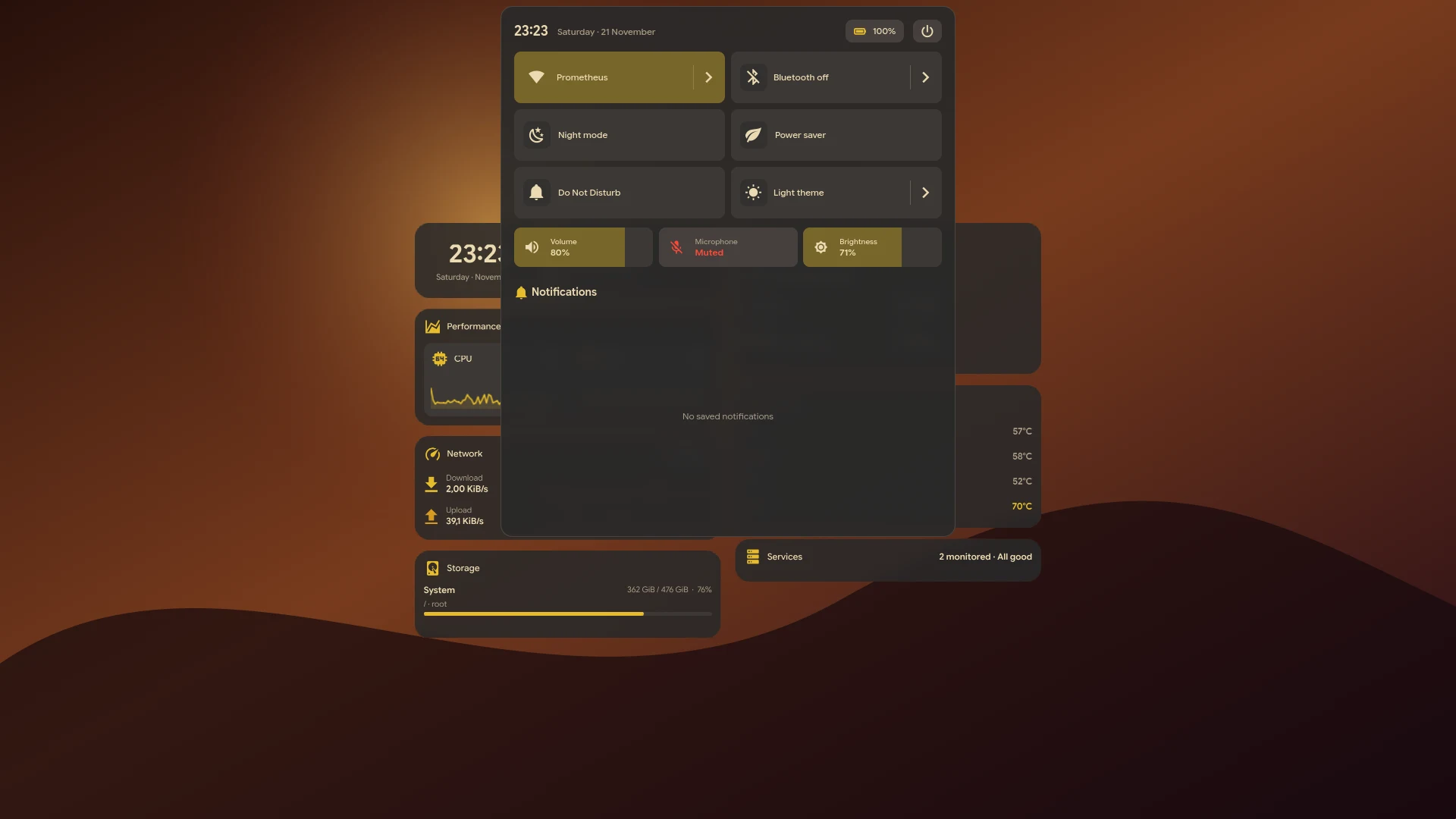
Quick controls and notification history, opened from the bar.
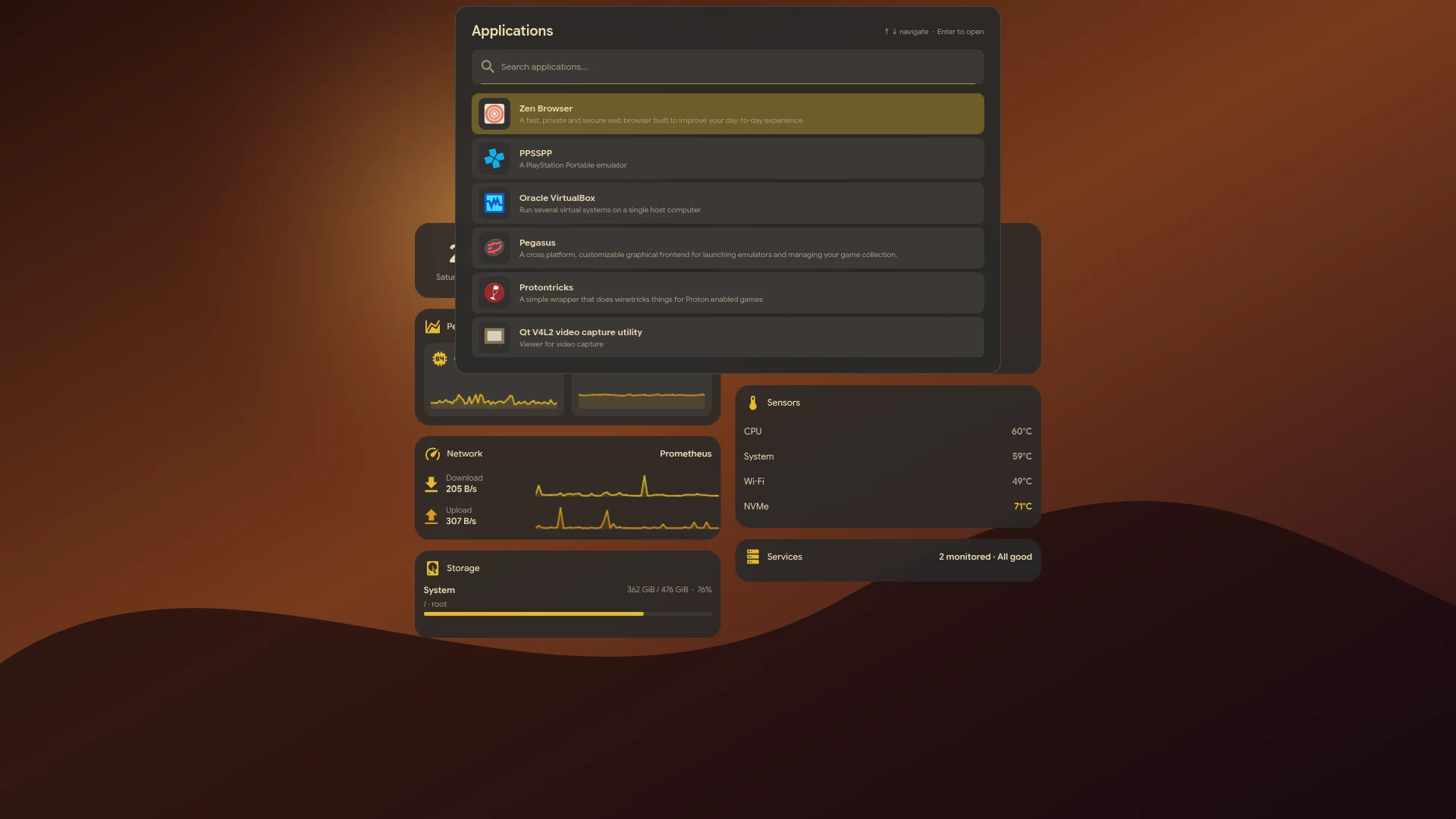
Search and launch native and Flatpak applications.
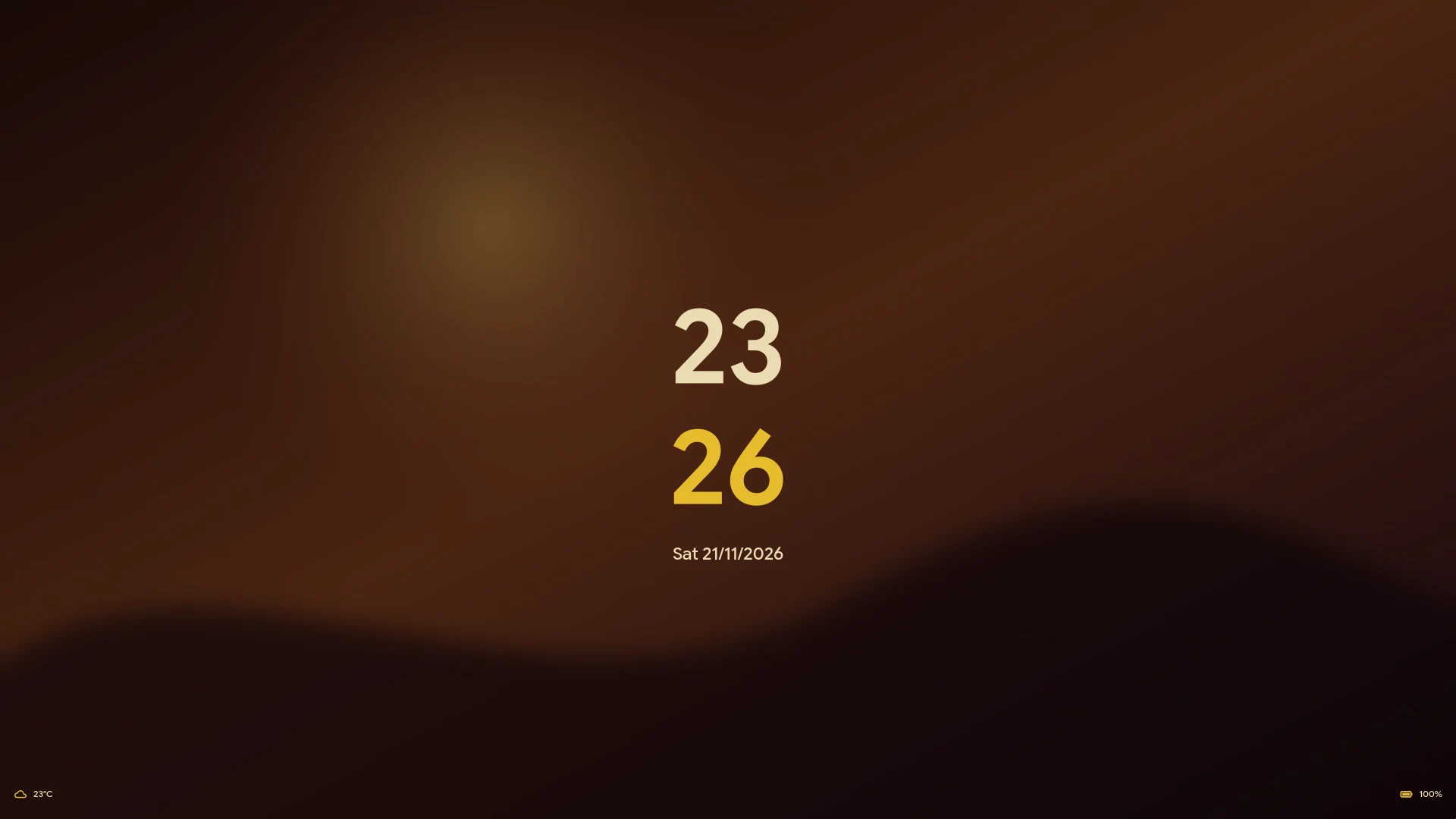
Native session lock at rest: clock, localized date, weather and battery. The password panel appears on the first key press.
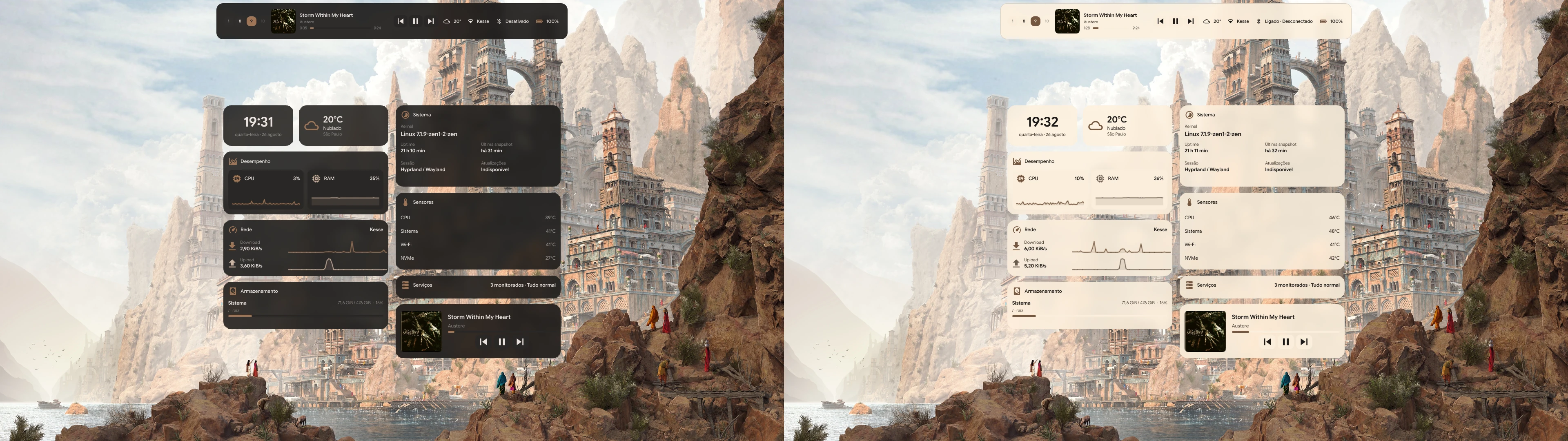
The island expands to reveal more of the current session. Captured from an earlier release in dark and light appearance.
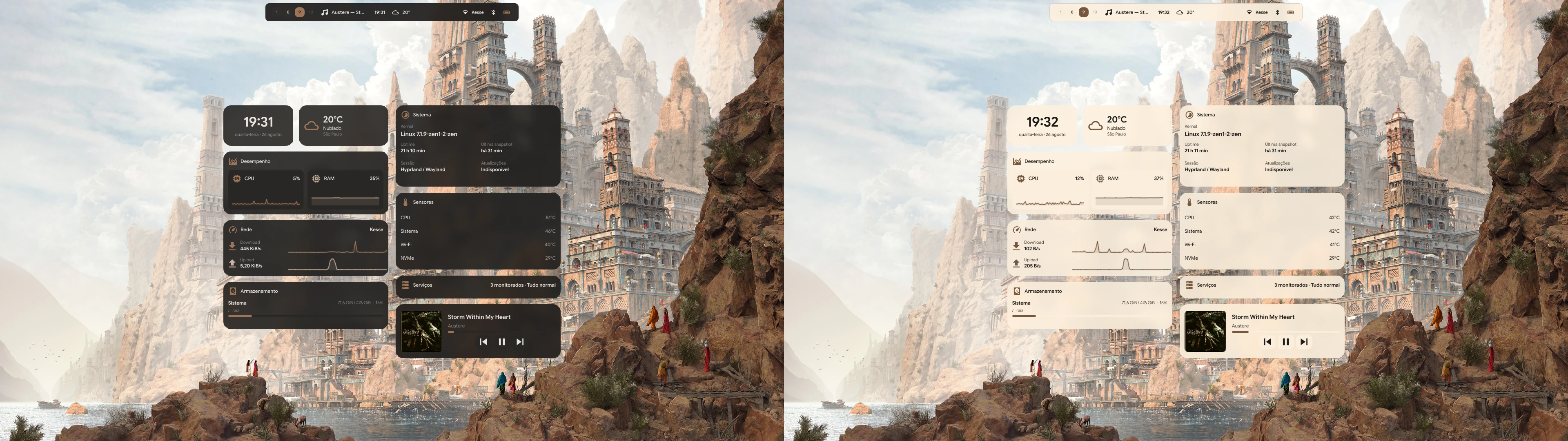
A configurable collection of clock, weather, media, and system cards. Captured from an earlier release in dark and light appearance.
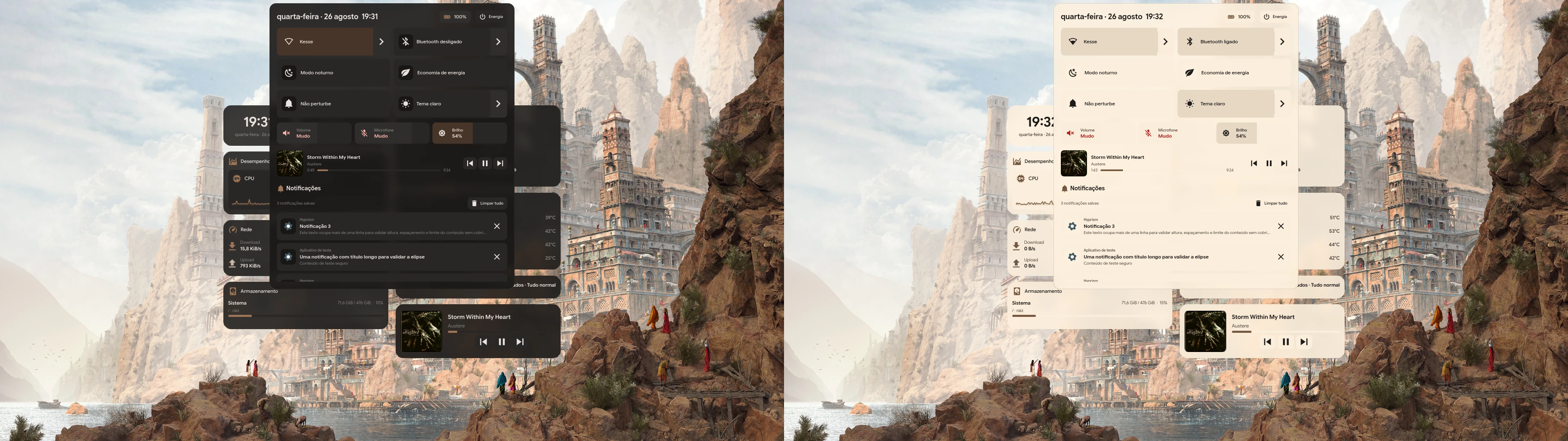
Captured from an earlier release in dark and light appearance.
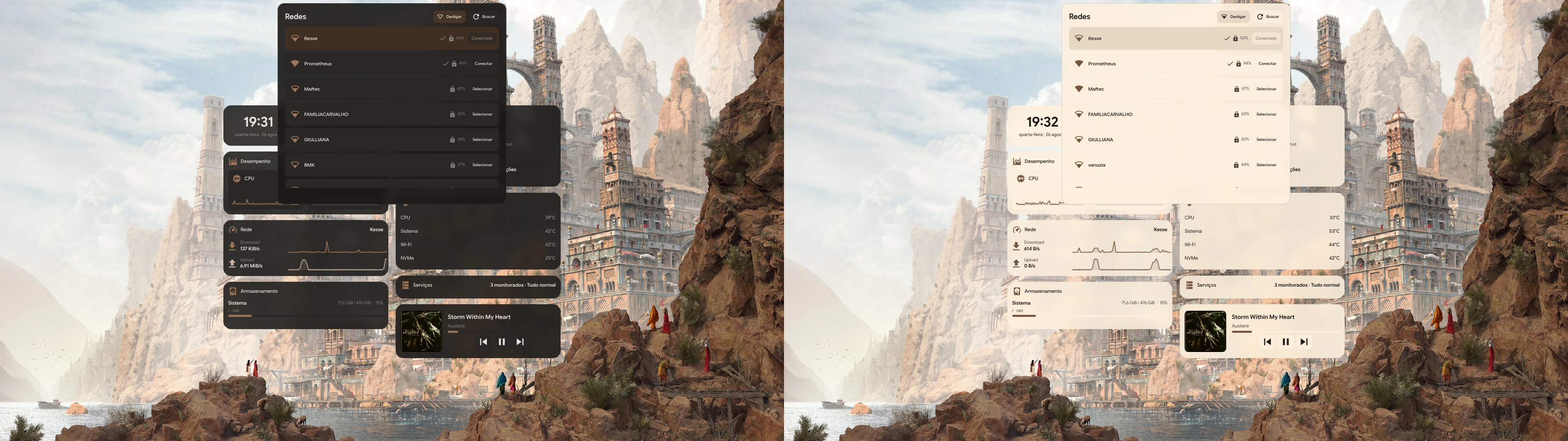
Captured from an earlier release in dark and light appearance.
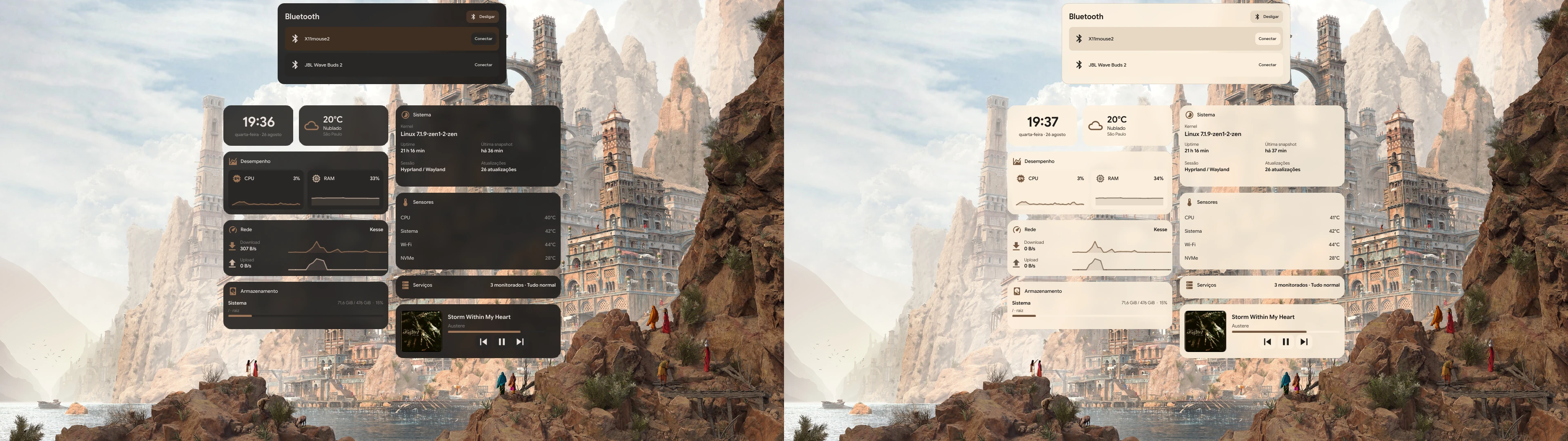
Captured from an earlier release in dark and light appearance.
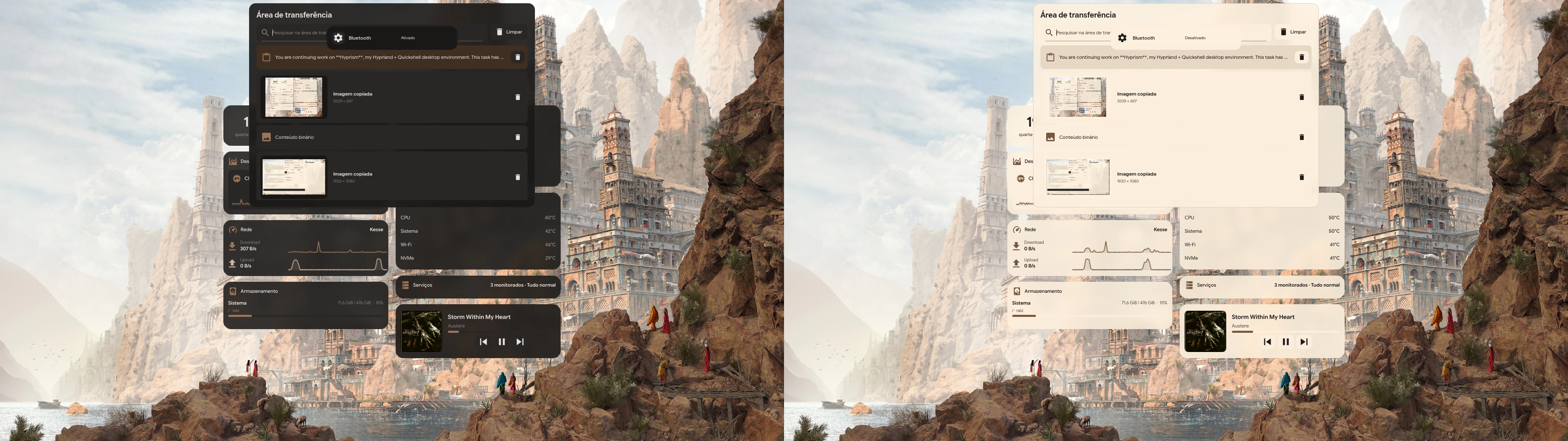
Captured from an earlier release in dark and light appearance.
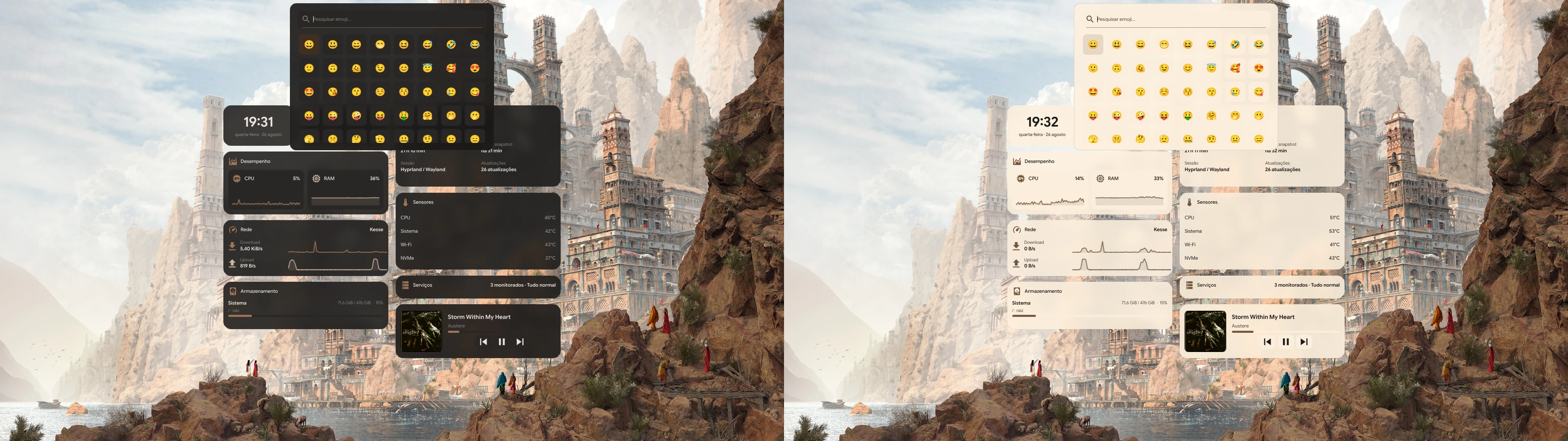
Captured from an earlier release in dark and light appearance.
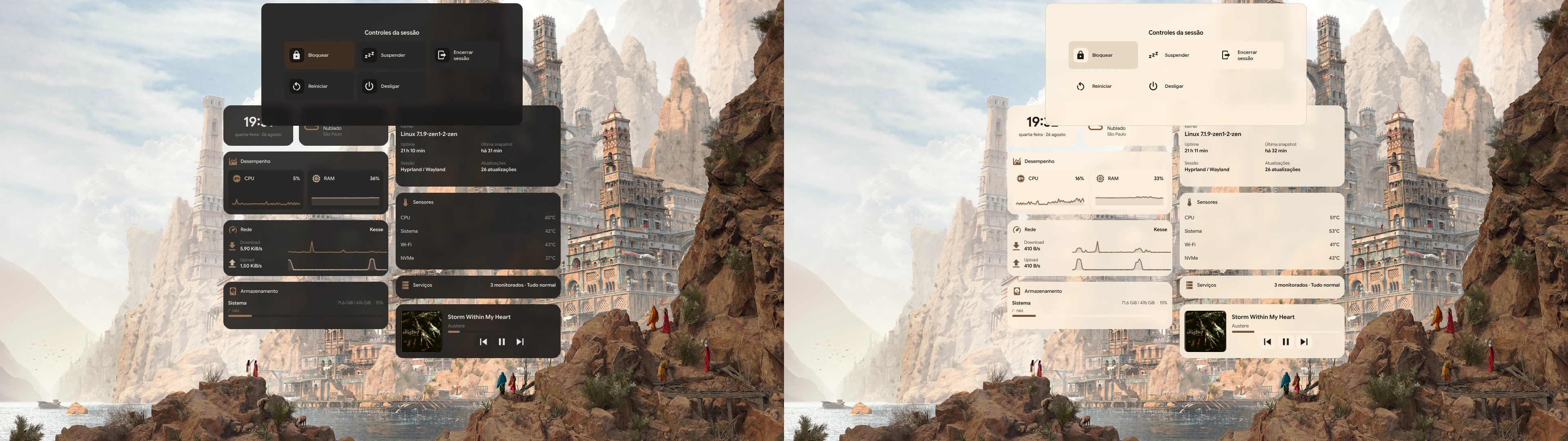
Captured from an earlier release in dark and light appearance.
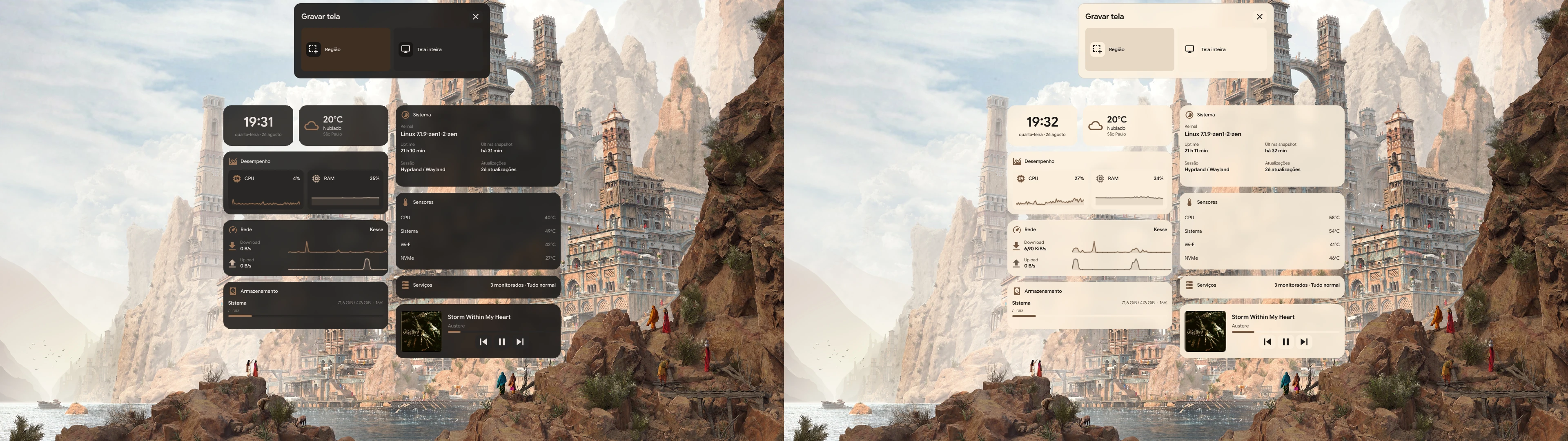
Captured from an earlier release in dark and light appearance.
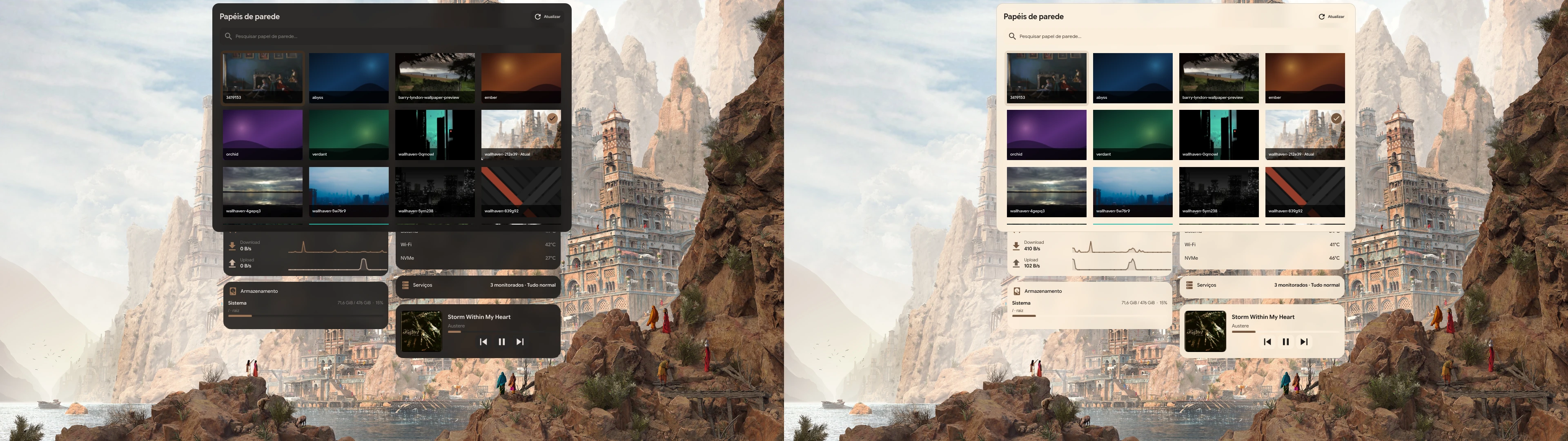
Captured from an earlier release in dark and light appearance.
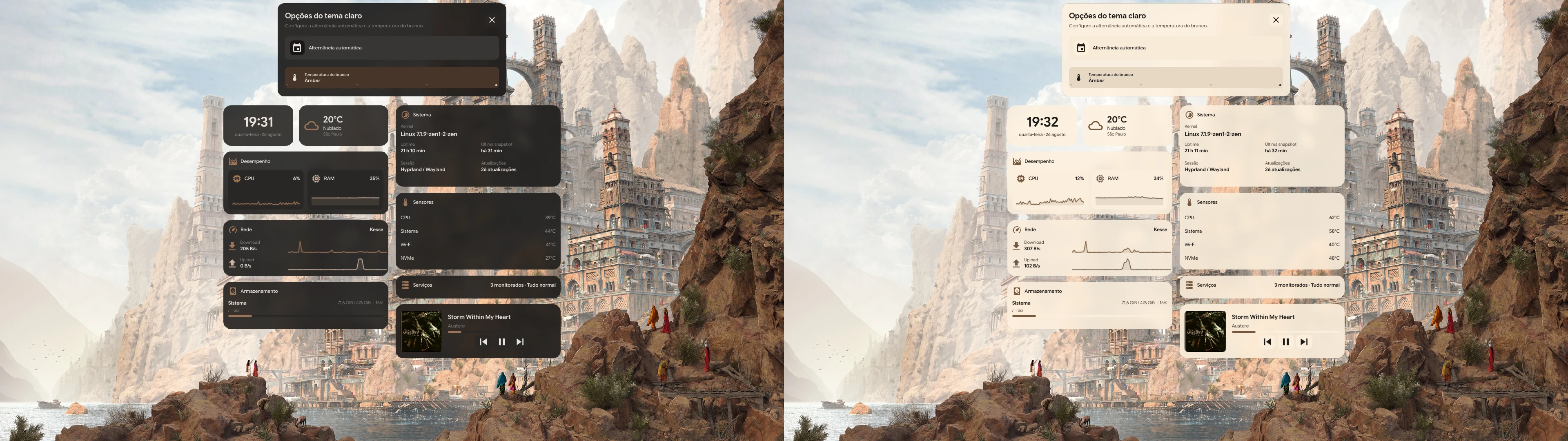
Captured from an earlier release in dark and light appearance.
A short walkthrough of the shell, panels, widgets, and appearance settings.
Project media is served from the repository’s assets/ directory.